
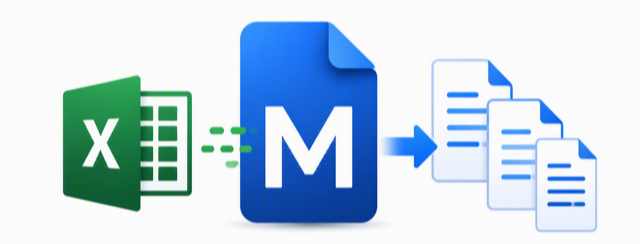
MultiDocMerge
Merge multiple Word documents from your existing templates in seconds — we can help you get there.

Welcome to MultiDocMerge
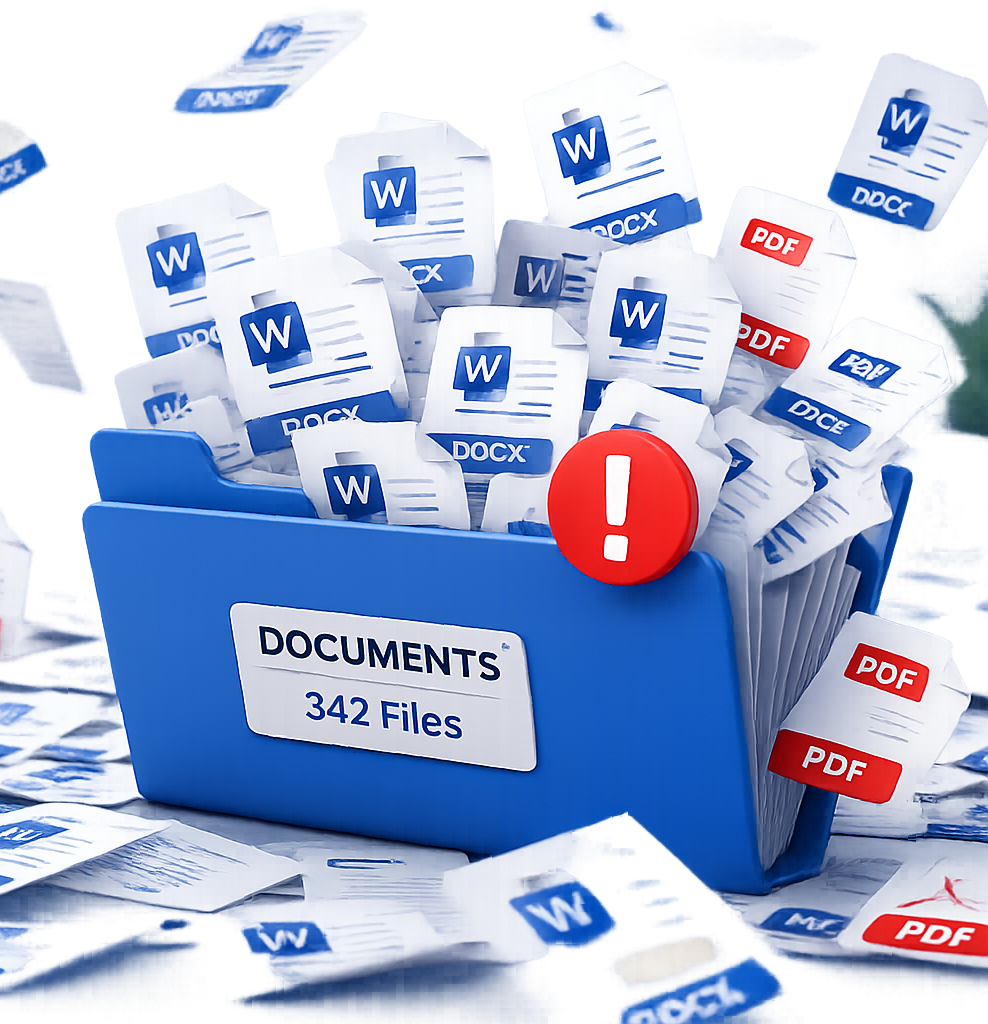
Tired of running mail merge over and over, or are you still using Find and Replace?
If you work with Word templates, you’ve probably:
-Struggled with repetitive, manual steps.
-Run mail merge separately for each document.
-Spent hours renaming and organizing files.
-Built complicated Power Automate flows just to scale
It’s slow. It’s error prone. And it doesn’t scale.

One Click. Multiple Documents. Done.
Our app lets you generate multiple Word documents in one run using a single Excel data source.
No repetitive merges
No scripting
No headaches
Built For Teams That Live in Word
-
Estate Planning, Contracts, Agreements, Case Documents
-
Offer Letters, Onboarding Documents
-
Transaction Documents, Disclosures
-
Reports, Client Documentation
-
Care Plans, Follow-up Instructions, Appointment Reminders, Referral Letters, Consent Forms, Billing Notices.
-
Acceptance Letters, Enrollment Packets, Progress Reports, Parent Notifications, Scholarship Letters, Certificates, Award Letters.
Full access
All features
One-time purchase
Single user
Optional Free Document Review
Full access
All features
One-time purchase
Single user
Optional Free Document Review
Contact us for a free document review. We will give you a quote on how much it will cost to get you set up to use MultiDocMerge.